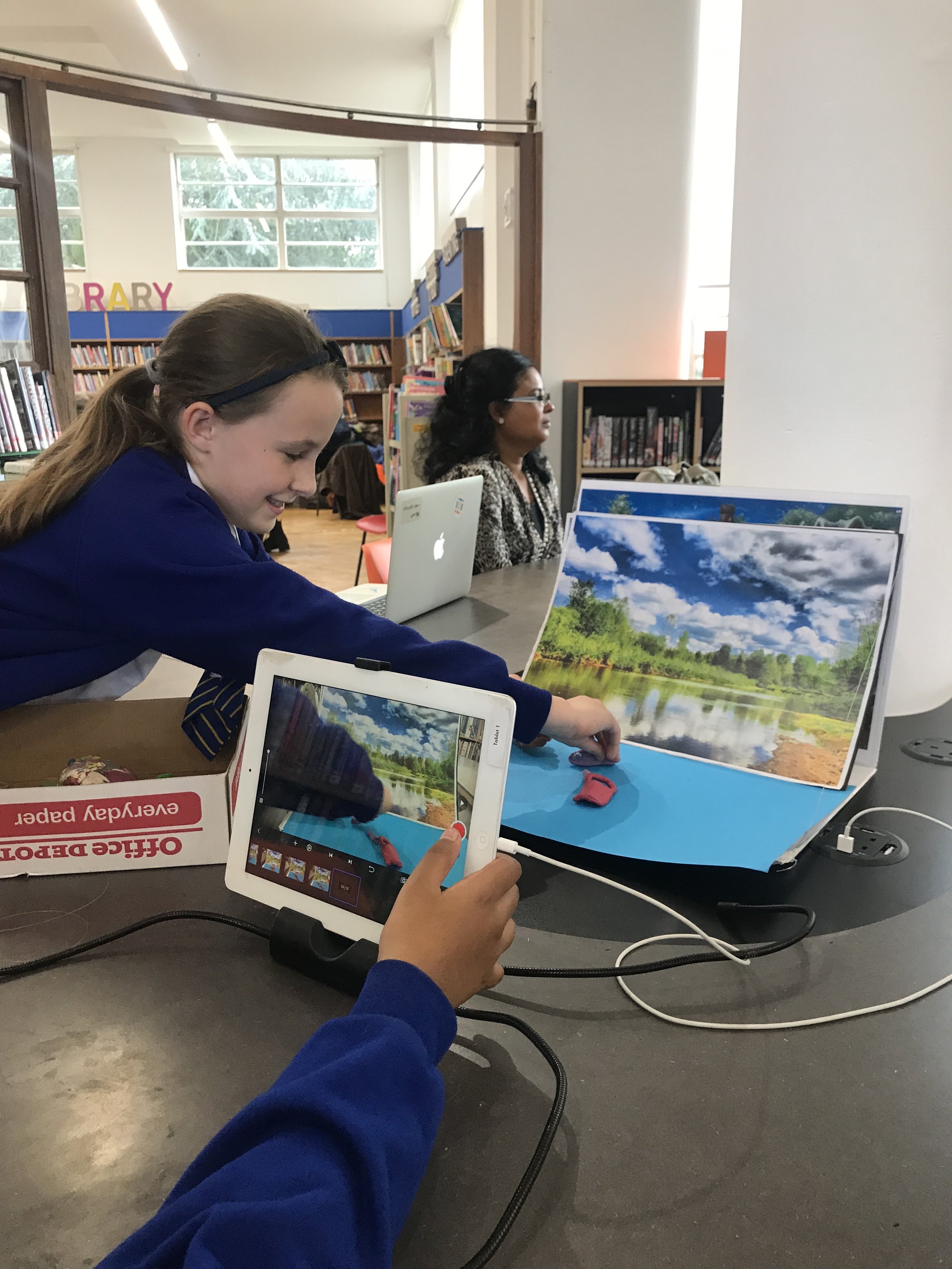
Stop Frame Animation
Make a short animation on your phone or tablet using toys or characters you build from junk. Take one photo at a time and the app turns them into a film.
You don't need a camera or any editing experience. Just a phone and something to move.
Let's bring things to life
Stop frame animation works by taking lots of photos of tiny movements, one at a time. Play them back fast and the objects appear to move on their own.
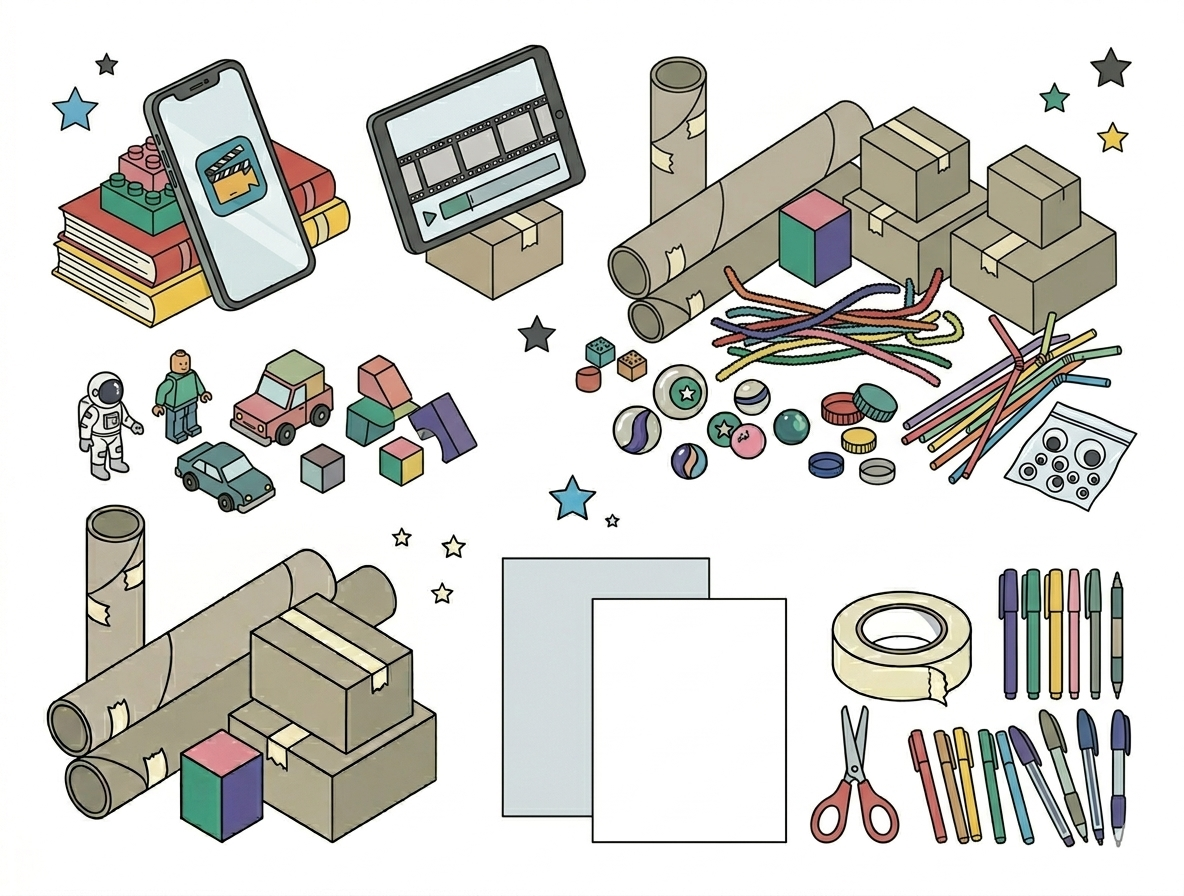
You will need
- A phone or tablet
- Stop Motion Studio app (free to download)
- Books, a box or LEGO bricks to prop your phone steady
- Toys or small figures
- Junk and craft materials for making characters: cardboard, pipe cleaners, bottle caps, straws, googly eyes
- Scissors, tape and pens
- A plain sheet of paper or card for a background
Swap anything you don't have for something similar.
Get started
Your film needs three things in place before the first shot: a character, a background, and a steady camera.
Make your character from junk (rummage through the recycling for bits that might work) or just pick a toy. For the background, a plain sheet of paper on the floor or table is enough. Build a stand to keep your phone steady: prop it between two stacks of books or lean it against a box. It needs to stay in exactly the same position between every shot.
Then plan your story: where your character starts, what happens in the middle, and where they end up.
If you don't have a phone or tablet, make a flip book instead: draw your character in slightly different positions on the corners of a stack of sticky notes, then flick through them.
Have a go
- Set up. Open Stop Motion Studio, start a new project, and check your phone or tablet is steady in its stand.
- Shoot. Move your character a tiny bit, then take a photo. Move again, shoot again. Keep going. The onion skin feature shows the previous frame faintly on screen so you can see exactly how far to move. Aim for 24 photos, which makes one to two seconds of animation.
- Check. You can press play at any point to see how it's coming along. If a move looks too jumpy, take a few extra photos in between.
- Finish. Add a title and credits in the app, then export your film and watch it back.
Tinker
Once you have your first film:
- Adjust the speed in the app's settings and see how it changes the feel.
- Add a voiceover or some sound effects.
- Make a second scene and join it to the first.
Share what you make
We love seeing what families make at home. Tag us on Instagram and Facebook (@instituteofimagination) or email hello@ioi.london.
A 24-photo animation that plays for one second is a real film. Start there.
Try these
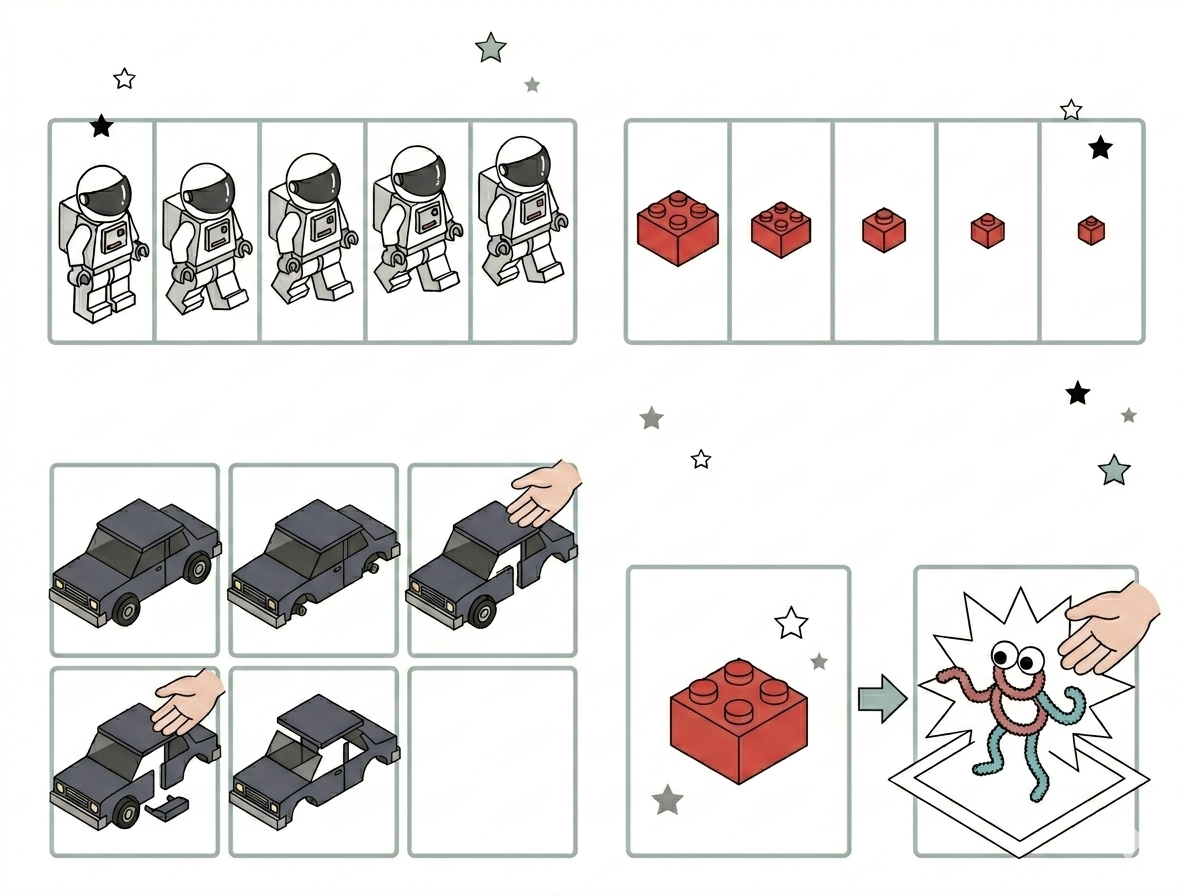
Four animation moves to try. Pick one to start with.
Walking. Move your character a tiny bit between each photo. Small steps make smoother movement. The smaller the move, the better.
Shrinking. Fold, cut or tear a little piece away from your object between each photo. It will appear to shrink on screen, a little more with every photo.
Disappearing. Remove a piece of your character between each photo. Keep going until it has vanished completely.
Surprise. Introduce a new object or character suddenly between two frames. The jump cut is one of animation's best tricks.
iOi Challenge: Make a short stop frame animation using toys or characters you build from junk.
Create a Tablet Stand for a Steady Camera